Recurring product subscriptions
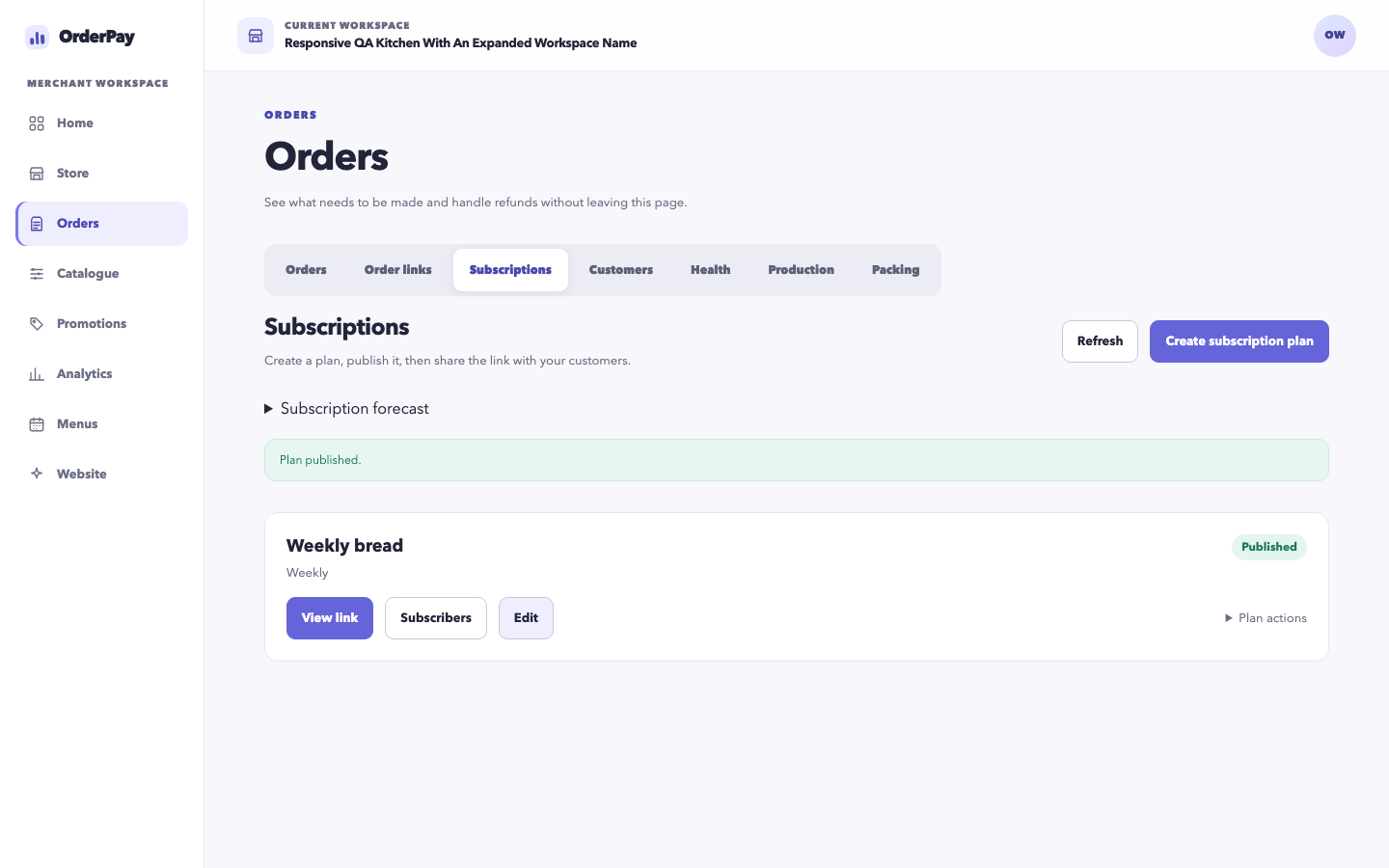
Create and share a recurring product plan. Customers choose their basket, save payment details, and manage future selections, skips, pauses and cancellation under the plan's terms and deadlines.
OrderPay manages product subscriptions, including recurring baskets, selections, skips, pauses and cancellation. Payments use the merchant's connected Stripe or Square account. Merchants can also share a prepared basket for a single purchase or publish menus for customers to shop by date.
Create and share a recurring product plan. Customers choose their basket, save payment details, and manage future selections, skips, pauses and cancellation under the plan's terms and deadlines.
Prepare a basket and share a single-purchase order link. The recipient reviews the products, enters their details and pays through your connected payment account.
Publish a menu for a special date or repeat it on a schedule. Use ordering cutoffs, product limits and shared production capacity to control what customers can order.
Customers choose an available pickup or delivery date and see products offered for that date. Availability follows your menus, Store hours, cutoffs and capacity.
A customer can add Friday pickup and Monday delivery to one basket and pay once. Each group retains its own products, date, method, destination and fulfilment progress.
Use confirmed orders to plan preparation and packing. Track each pickup or delivery separately while keeping payment, cancellation and refund status visible.
A recurring menu repeats an offer on your calendar. A subscription is a customer agreement for recurring orders and payments. Customers can buy from a recurring menu without subscribing.
Both plans include subscriptions, order links, menus and calendar shopping. Plan limits differ, and custom domains require Pro. A supported, connected payment account and valid store configuration are required.