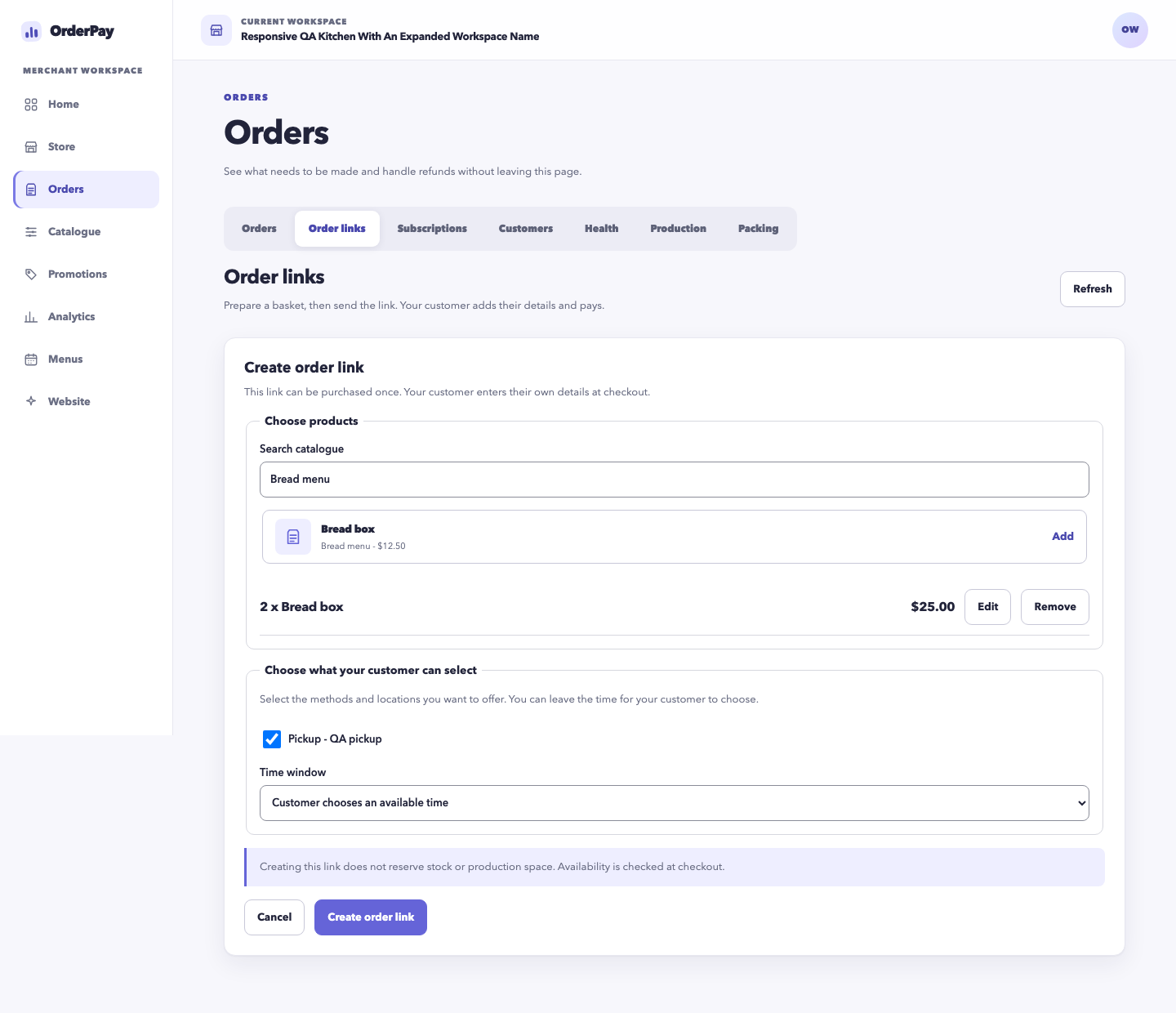
Share a prepared basket
For a customer request, select the products and quantities, then share an order link. The recipient supplies their details and pays for that single purchase.
Bring subscription orders, customer storefront purchases and prepared order links into one merchant workflow. Keep the purchased products and agreed fulfilment details attached to each order.
For a customer request, select the products and quantities, then share an order link. The recipient supplies their details and pays for that single purchase.
Create recurring product plans and review subscribers and upcoming cycles. Customers manage supported selections, skips, pauses and cancellation through their customer access.
An order paid once can contain several pickup or delivery groups. Completing one group leaves the remaining groups outstanding, with their own dates and destinations.
Review production and packing work by fulfilment date. Accepted product, option, quantity and price details stay attached to the order when a menu later changes.
Keep pending payments, cancellations and refunds visible alongside the order. Stripe or Square processes the payment; OrderPay keeps its order record and provider result aligned.
A customer buys bread for Friday collection and meals for Monday delivery in one checkout. Your team packs each group for its own date and records each handoff separately.
No. A prepared order link is for a single purchase. A product subscription uses a separate recurring plan and requires the customer to accept its terms and save a payment method.
No. One basket can include different pickup and delivery dates. The confirmation and merchant order details show each fulfilment group separately.